Best WhatsApp Alternatives for Business

WhatsApp is the most widely used messaging app in the world. It is also, for most enterprises, the wrong tool for business communication.
This isn't a criticism of WhatsApp as a product. For personal use, it is excellent. The problem is that it was designed for individuals, not organizations, and the compromises it makes reflect that. Data lives in personal accounts. There is no administrative control. Conversation history walks out the door when an employee leaves. And despite the end-to-end encryption of message content, the metadata, who spoke to whom, when, and how often, is retained by Meta and subject to its privacy policies.
For enterprises operating under GDPR, HIPAA, MiFID II, or any other regulatory framework that imposes requirements on how business communications are handled, this is not a minor concern. It is a structural incompatibility.
The businesses looking for WhatsApp alternatives are not usually doing so because WhatsApp stopped working. They are doing so because a compliance review, a legal inquiry, or a security audit made the gap between what WhatsApp offers and what enterprise communication requires impossible to ignore any longer.
This guide covers the most serious alternatives, what each one does well, and what it doesn't.
What to Evaluate Before Choosing a WhatsApp Alternative
Switching business communication platforms is a significant operational decision. Before comparing specific tools, it is worth being clear about the criteria that matter for enterprise use.
- Data ownership and portability. Does your organization own the conversation history, or does it live in accounts controlled by individual employees? Can you export and retain that data if you switch platforms?
- Administrative controls. Can IT provision and deprovision users, enforce policies, and manage access centrally? Or does each employee manage their own account independently?
- Encryption architecture. Does the platform offer end-to-end encryption? If so, who holds the keys? A platform that encrypts content but retains the keys itself offers weaker privacy guarantees than one that supports Enterprise Key Management.
- Audit and compliance capabilities. Can the platform produce a searchable, tamper-evident record of communications for compliance or legal purposes? Does it support the data residency requirements of the jurisdictions you operate in?
- Integration with existing infrastructure. Does the platform connect to your CRM, your identity provider for SSO, your directory services? A communication tool that sits outside your existing stack creates fragmentation.
- Voice as well as messaging. A messaging replacement that doesn't handle calls leaves employees reaching for their personal phones for voice communication, which recreates the exact problem you were trying to solve.
With these criteria in mind, here are the most relevant alternatives.
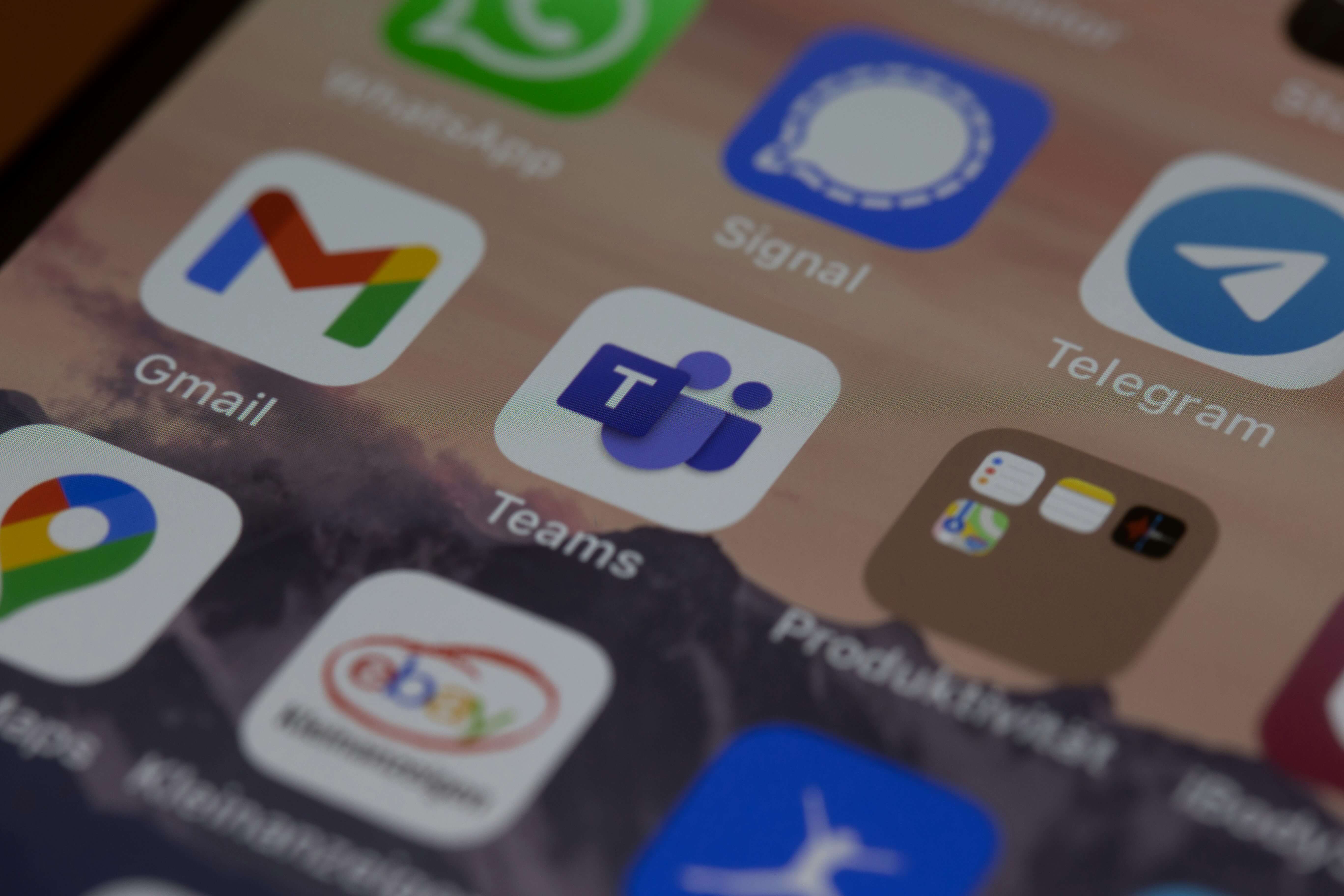
Microsoft Teams
Teams is the most widely deployed enterprise communication platform in the world, largely because it comes bundled with Microsoft 365. For organizations already running the Microsoft stack, the path of least resistance is often to mandate Teams as the approved communication tool and restrict everything else.
What Teams does well is integration depth within the Microsoft ecosystem. SharePoint, OneDrive, Outlook, and the rest of the suite connect natively. Administrative controls are robust and mature. Compliance features, including eDiscovery, retention policies, and audit logs, are enterprise-grade and well documented.
The significant limitation is encryption. Teams does not offer end-to-end encryption for standard messaging and calls. Microsoft can access message content, which means Teams is not appropriate for organizations where true message confidentiality is a requirement. E2EE is available for one-on-one calls in specific configurations, but it is not the default and does not extend to group conversations or channels.
For organizations where compliance documentation and Microsoft ecosystem integration are the primary requirements, and where full E2EE is not a hard requirement, Teams is a credible choice. For organizations in industries where message confidentiality is non-negotiable, it is not.
Slack
Slack is the dominant tool in technology and professional services companies, and its user experience is genuinely excellent. The interface is fast, the search is powerful, and the integration ecosystem is extensive.
From an enterprise security perspective, Slack's story is more complicated. Standard Slack does not offer end-to-end encryption. Slack can access message content, and its Enterprise Key Management feature, which allows organizations to hold their own encryption keys, is available only on the most expensive Enterprise Grid tier.
Slack also does not handle voice calls natively in any meaningful way. The built-in calling feature exists but is limited. Organizations using Slack for messaging typically still need a separate phone system for voice, which means the tool fragmentation problem persists.
For enterprises evaluating Slack as a WhatsApp replacement on security grounds, the honest answer is that Slack represents a meaningful improvement in administrative control and compliance capabilities, but not necessarily in message confidentiality unless the organization is willing to invest in the Enterprise Grid tier and implement EKM.
Signal
Signal is the gold standard for end-to-end encrypted messaging. The encryption protocol it developed, the Signal Protocol, is used by WhatsApp, iMessage, and most other serious messaging platforms. No one, including Signal itself, can read message content.
For enterprise use, however, Signal has significant limitations. There are no administrative controls. IT cannot provision users, enforce policies, or revoke access. There is no audit trail. There is no CRM integration. Conversation history is stored on individual devices and is lost if a device is lost or an employee leaves. Signal for Business does not exist in any meaningful sense.
Signal is the right answer if the only requirement is message confidentiality for a small group of people who trust each other. It is not the right answer for an enterprise that needs to manage communication at scale, demonstrate compliance, or maintain organizational control over its communication infrastructure.
Wickr (AWS)
Wickr is one of the few platforms that was designed from the ground up for enterprise security rather than having security features added to a consumer product. It offers end-to-end encryption for messages, calls, and file transfers, with enterprise-grade administrative controls, audit capabilities, and compliance features. Amazon acquired Wickr in 2021 and has integrated it into the AWS ecosystem.
For organizations with strict security requirements, particularly in government, defense, legal, and financial services, Wickr is a serious option. It handles the E2EE and administrative control combination that most platforms get wrong.
The limitations are adoption and ecosystem. Wickr is not widely used outside security-sensitive industries, which means organizations deploying it may face resistance from employees accustomed to more familiar interfaces. The integration ecosystem is narrower than Teams or Slack. And for organizations without existing AWS infrastructure, the operational overhead of the platform may outweigh the security benefits.
Threema Work
Threema is a Swiss-based encrypted messaging platform with a dedicated business tier. It offers end-to-end encryption, does not require a phone number to register (reducing personal data exposure), and is operated under Swiss privacy law, which is among the strongest in the world.
Threema Work adds the administrative controls that the consumer version lacks: centralized user management, policy enforcement, broadcast messaging, and compliance-oriented features. For European enterprises with strong data sovereignty requirements, the Swiss jurisdiction and GDPR compliance are meaningful differentiators.
The limitations are similar to Wickr: limited brand recognition outside Europe, a narrower integration ecosystem, and an interface that is functional but less polished than consumer-grade alternatives. Voice calling is supported but not a core strength.
PhoneHQ
PhoneHQ approaches the problem from a different angle than most of the tools listed here. Where other platforms started as messaging apps and added business features, PhoneHQ was built as an enterprise communication platform that combines secure messaging, voice calling, CRM integration, AI transcription, and emergency notification in a single environment.
For enterprises evaluating WhatsApp alternatives specifically on security and compliance grounds, the relevant features are: end-to-end encryption for internal messaging and calls, Enterprise Key Management so the organization holds its own encryption keys, metadata audit logs that provide a tamper-evident record of communication activity without breaking E2EE, and data residency controls that keep communication data within defined geographic and legal boundaries.
The distinction from most alternatives is the voice layer. PhoneHQ replaces both the messaging app and the phone system, so switching to PhoneHQ doesn't leave a gap that employees fill with personal calls from their own numbers. The entire communication stack, messaging, voice, and the data those interactions generate, sits within one platform under organizational control.
For enterprises that need more than a WhatsApp replacement and are looking to consolidate their communication infrastructure more broadly, PhoneHQ is worth evaluating as a unified platform rather than a point solution.
How to Choose Best WhatsApp Alternative for You
The right alternative depends on which gap in WhatsApp's enterprise suitability is most urgent for your organization.
If the primary concern is Microsoft ecosystem integration and compliance documentation, Teams is the pragmatic choice for organizations already on Microsoft 365, with the caveat that full E2EE is not available.
If the primary concern is user experience and integration breadth and full E2EE is not a hard requirement, Slack at Enterprise Grid tier is worth evaluating.
If the primary concern is maximum message confidentiality for a small, defined group, Signal works, but it cannot scale to enterprise requirements.
If the primary concern is enterprise security with strong encryption and administrative control, Wickr and Threema Work are the most credible options, with Threema carrying additional appeal for European organizations with data sovereignty requirements.
If the primary concern is replacing both messaging and voice within a single secure platform that integrates with existing business systems, PhoneHQ addresses the communication stack more completely than any of the point solutions above.
A Final Note on Migration
Switching communication platforms in an enterprise environment is as much a change management challenge as a technology decision. The platform you choose matters. So does how you roll it out.
The organizations that achieve high adoption from a WhatsApp migration are the ones that explain clearly why the change is happening, what the new platform does that WhatsApp doesn't, and what employees need to do differently. They run a pilot before a full rollout. They make it easy to get help in the first weeks. And they address the root cause of any shadow IT that remains, which is almost always a feature gap in the approved tool rather than employee non-compliance.
The goal is not just to get WhatsApp off company devices. It is to give employees a tool they actually prefer to use for work communication, that also happens to meet the organization's security and compliance requirements.
Similar Posts


Subscribe to Our Blog
Get the latest updates and articles delivered straight to your inbox.